Manage and monitor task executions. The Execution section provides detailed control over how tasks are run and tracked.
Dashboard
- 📈Execution Overview - View all executions at a glance
- ⚡Quick Actions - Start new executions quickly
- 📊Statistics - Success/failure rates
History
View past executions:
- 📋All Executions - Complete execution history
- 🔍Filter - Filter by status, date, or type
- 📊Details - View execution logs and outputs
- 🔄Rerun - Re-execute previous tasks
Templates
Execution templates for common tasks:
- 📄Pre-defined - Ready-to-use execution templates
- ➕Create - Build custom templates
- 📤Share - Share templates with team
New Execution
Start a new execution:
- Select Agent or Workflow - Choose what to execute
- Configure Parameters - Set input values and options
- Set Execution Mode - Sync, async, or scheduled
- Launch - Start the execution
Screenshots
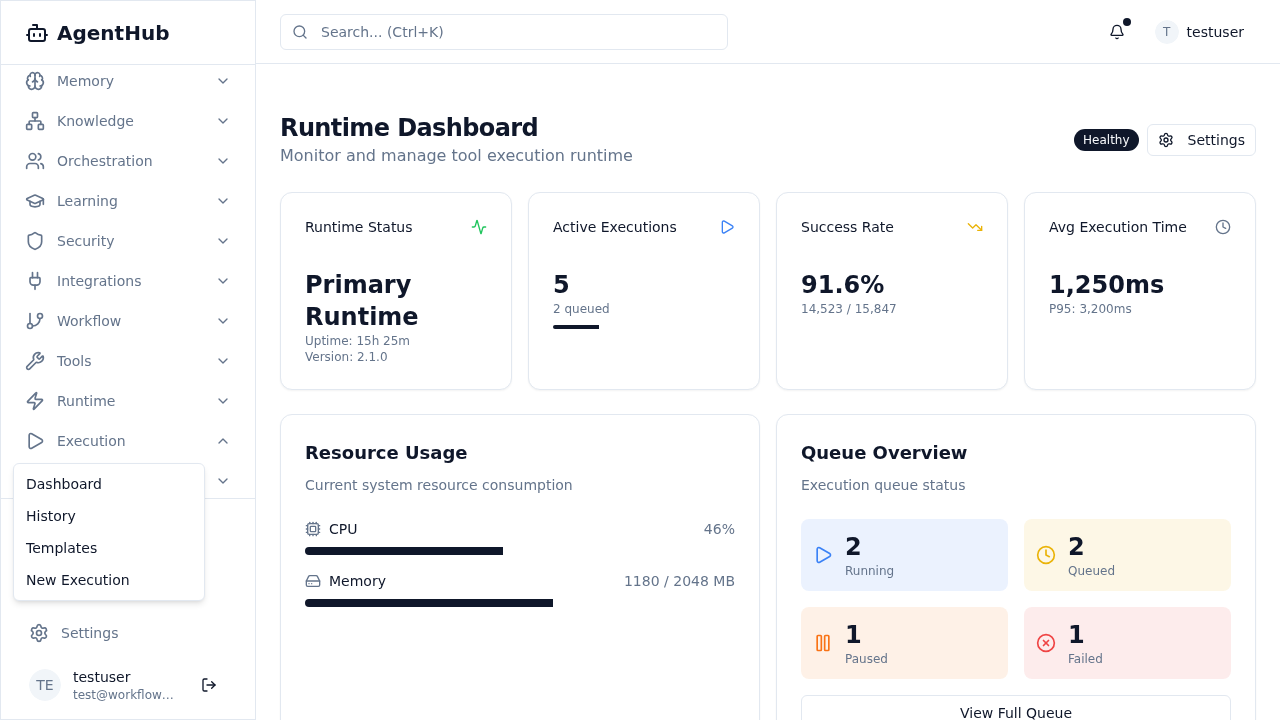
Execution Dropdown
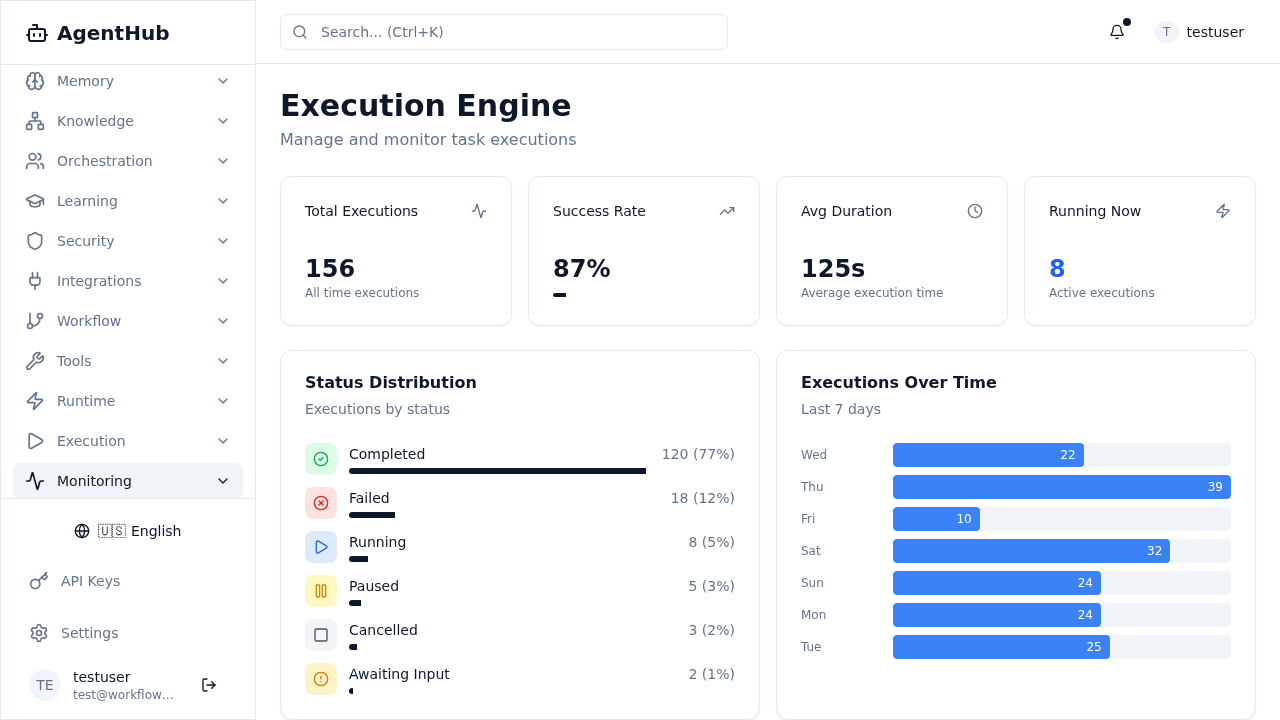
Execution Dashboard